Cube Squeeze
A downloadable game for Android
Tap. Break. Survive.
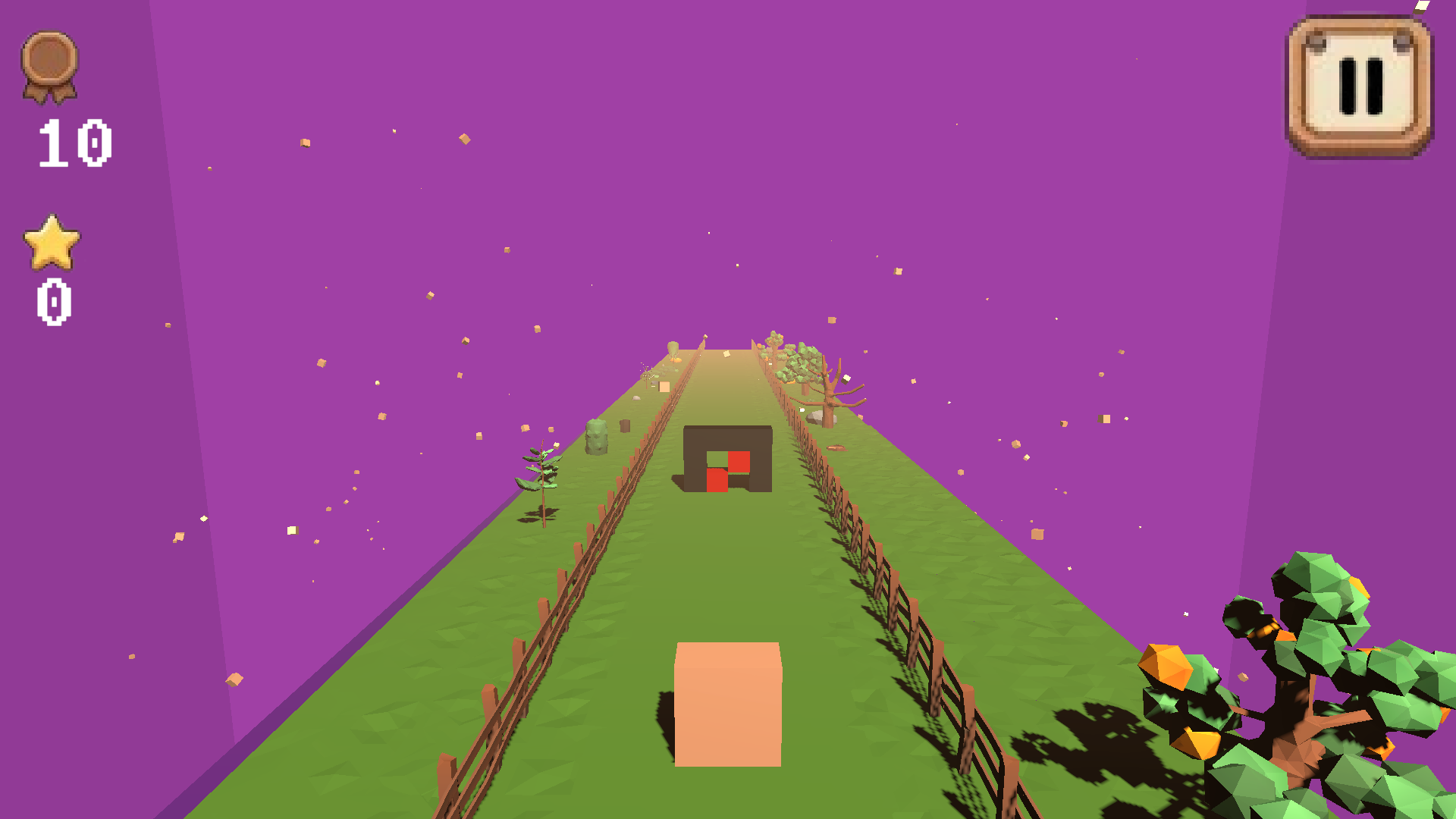
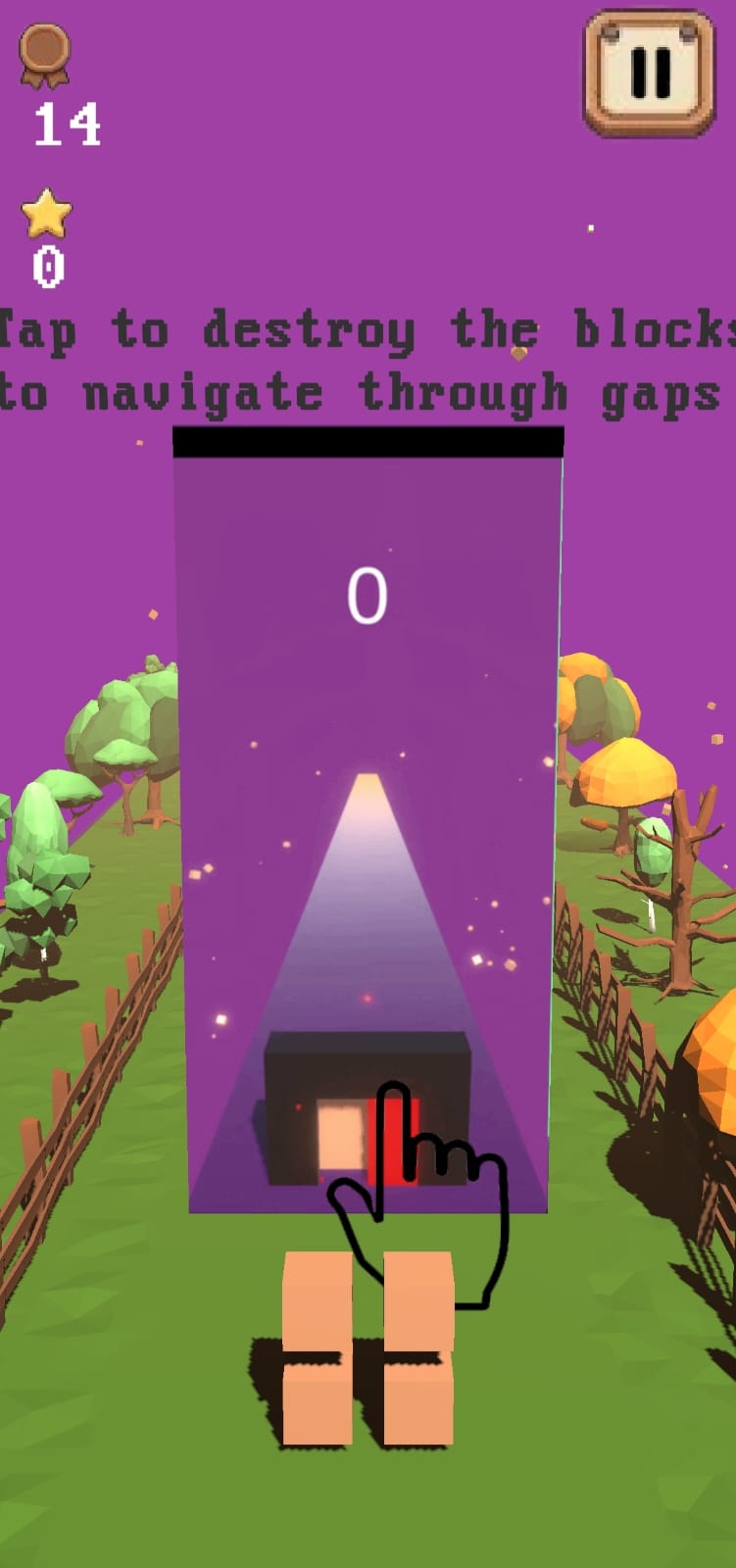
Cube Squeeze is a fast-paced hypercasual game built around a simple idea: destroy the right cubes to make your way through each obstacle.
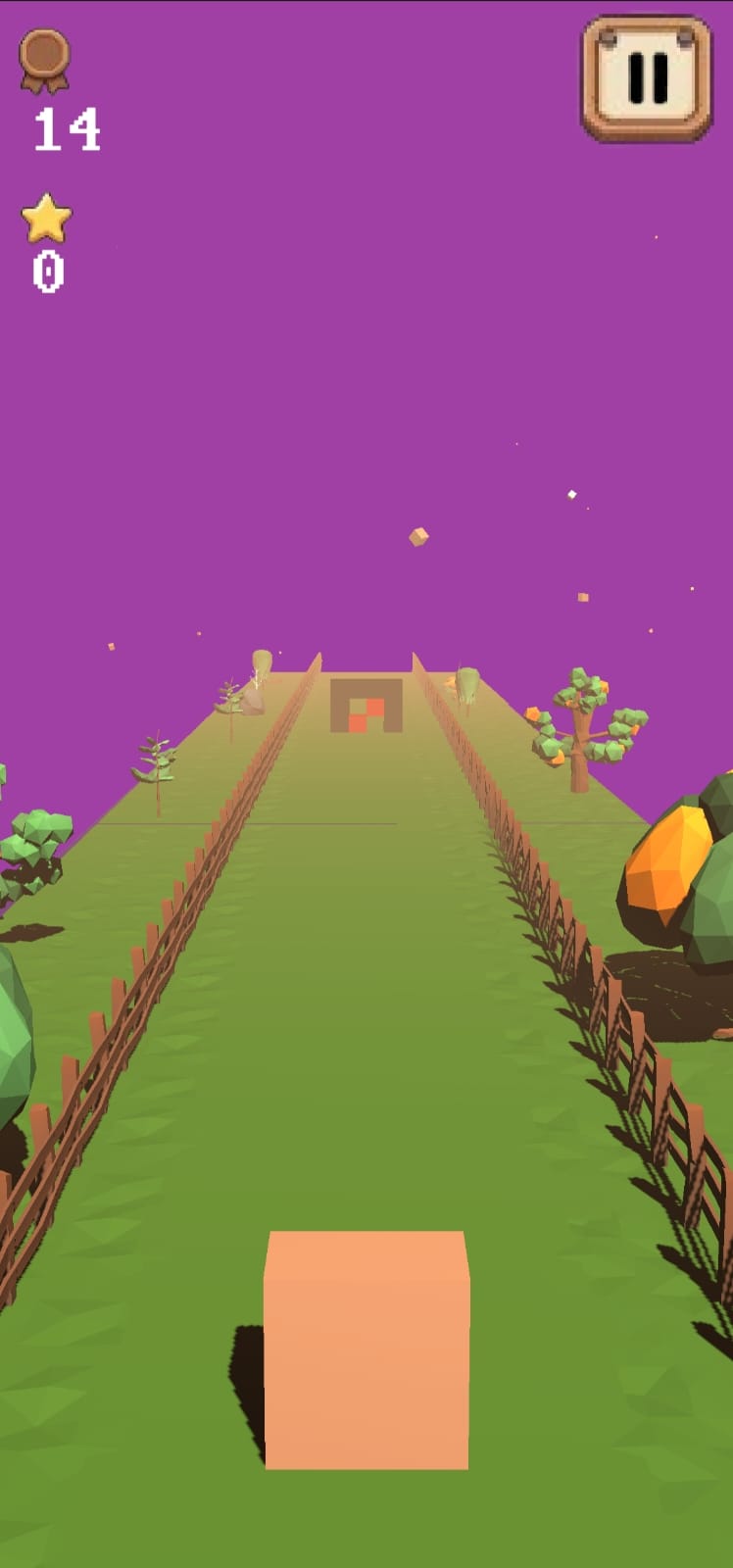
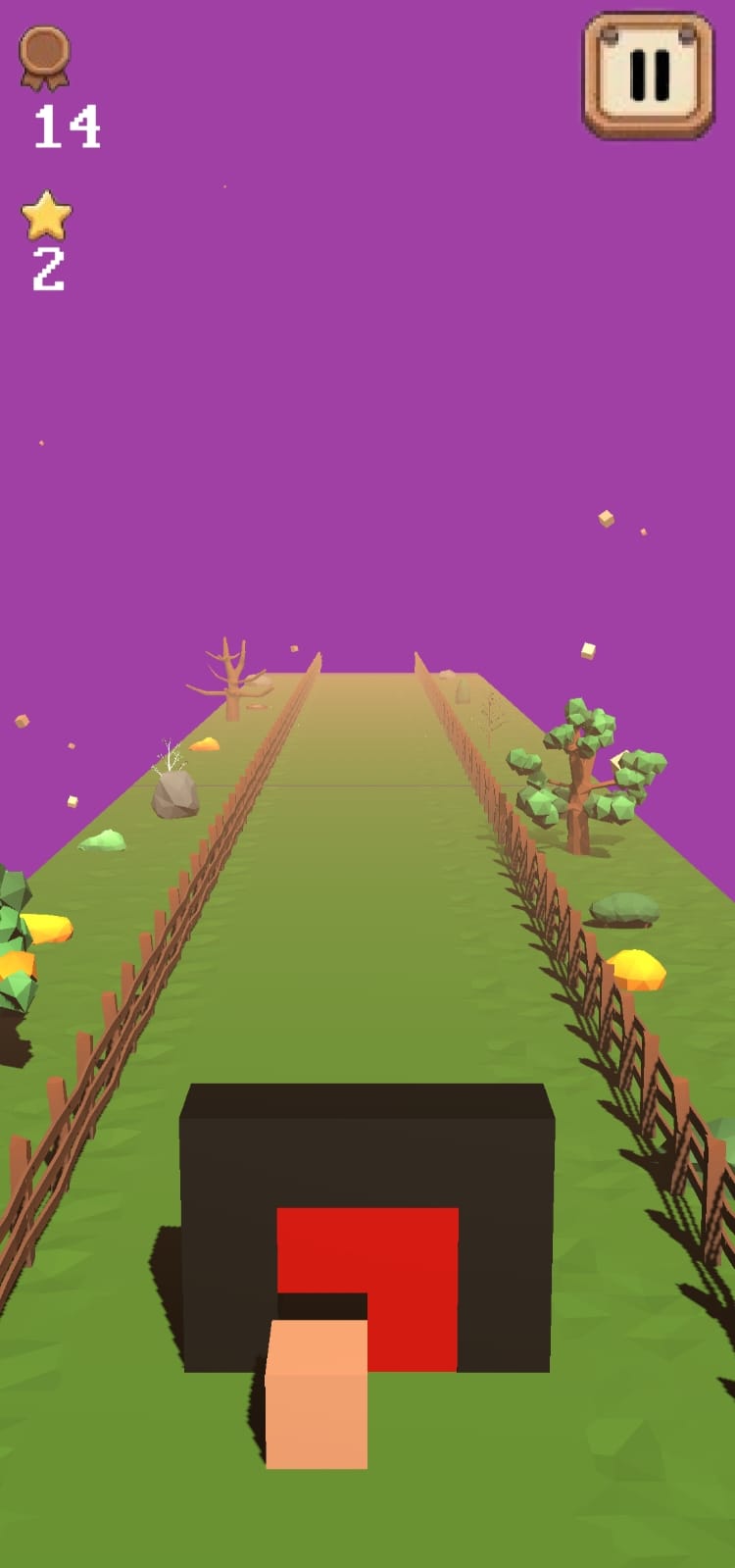
Your player is made of breakable cubes, while obstacles stand in your path with different gaps and arrangements. Tap the cubes you don't need, create a path through the obstacle, and survive as the world gets faster.
Every successful pass increases your score and pushes the difficulty further. How long can you keep squeezing through?
Features
- Simple one-touch gameplay — tap cubes to destroy them.
- Progressive difficulty — the game gets faster as you survive.
- Dynamic environments — low-poly scenery, fences, trees, rocks, bushes and other environmental elements.
- Reactive visuals — smooth background color transitions, particles, animations and camera effects.
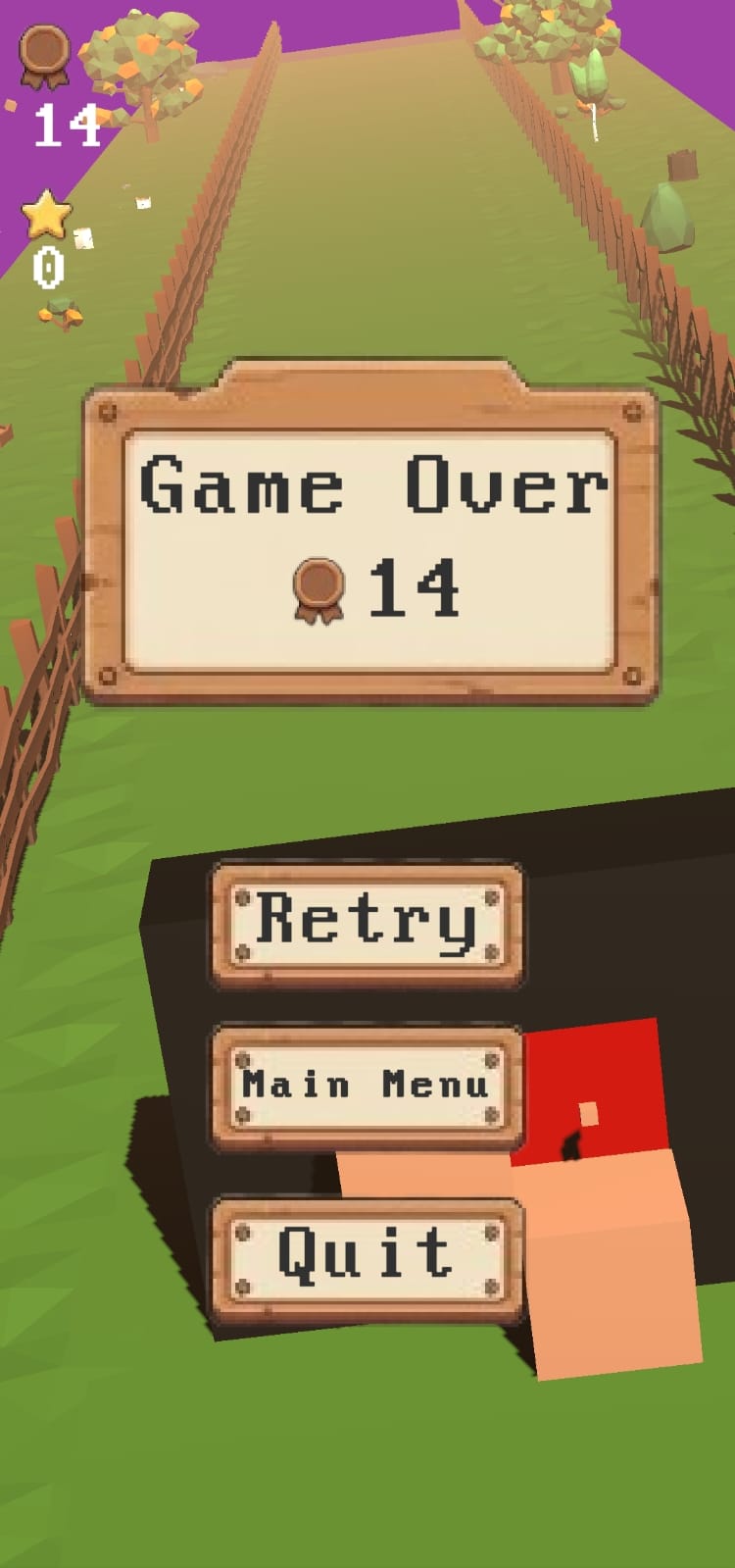
- Score & Best Score — challenge yourself to beat your personal record.
- Sound effects — responsive audio feedback for gameplay events.
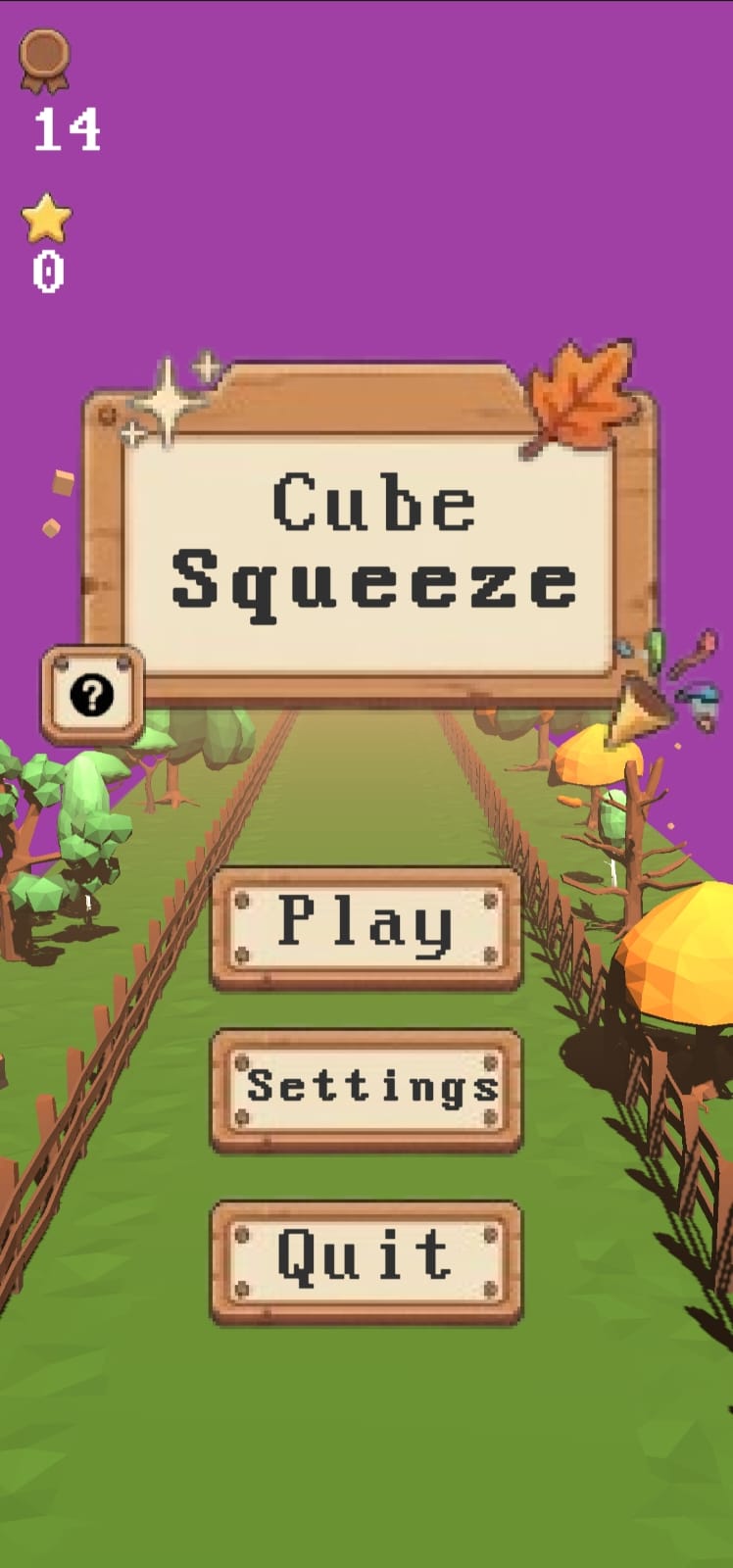
- Pause & Settings — customize your experience and control available options.
- Lightweight & offline — no account, internet connection or Google Play services required.
Supported Platforms
| Architecture | |
|---|---|
| armeabi-v7a (ARM32) | |
| arm64-v8a (ARM64) |
Android only.
Google Play Services and Google Play APIs are not required.
Changelog
v1.0.0 — Initial Release
The first public release of Cube Squeeze.
- Initial gameplay
- Progressive difficulty
- Score and Best Score system
- Dynamic environment
- UI and menu system
- Audio
- Settings
- Tutorial
- Android ARM32 & ARM64 builds
🔗 Support & Links
Developer Website: https://spoiledunknown.github.io/
Discord Community: https://discord.gg/pTwyHen78P
If you encounter a bug, have feedback, or simply want to discuss the game, feel free to join the Discord server.
Download
Install instructions
Cube Squeeze is distributed directly as an APK and does not require Google Play.
1. Download the correct APK
Choose the version matching your device:
- ARM64 (
arm64-v8a) — recommended for most modern Android devices. - ARM32 (
armeabi-v7a) — for older 32-bit ARM devices.
2. Install the APK
Open the downloaded APK on your Android device.
Android may display a Google Play Protect warning because the application was installed outside Google Play.
If Play Protect offers a Scan app option:
Tap Scan app, allow the scan to complete, then continue with the installation if no issue is detected.
If you don't want to scan:
Open the Play Protect warning/details and choose the option to allow/install anyway if your device provides it.
You may also need to allow your browser or file manager to install unknown apps:
Settings → Apps → Special app access → Install unknown apps
Enable it for the application you're using to open the APK.
Note: The exact wording and location of these options can vary depending on your Android manufacturer and Android version.
Leave a comment
Log in with itch.io to leave a comment.